I went looking for an app that could plan a shoot the way I think about one. Nothing came close — not the free ones, not even the ones I paid for.
So I built it myself.
ShotDeck isn't just a shot list: it doesn't only hold your plan, it helps you make one — guiding the decisions instead of just storing them, so you're free to focus on the work.
ShotDeck — designed, built and tested by me, in public.
From a blank project to a tick-off shot list on shoot day — here's ShotDeck doing the actual job, screen by screen.
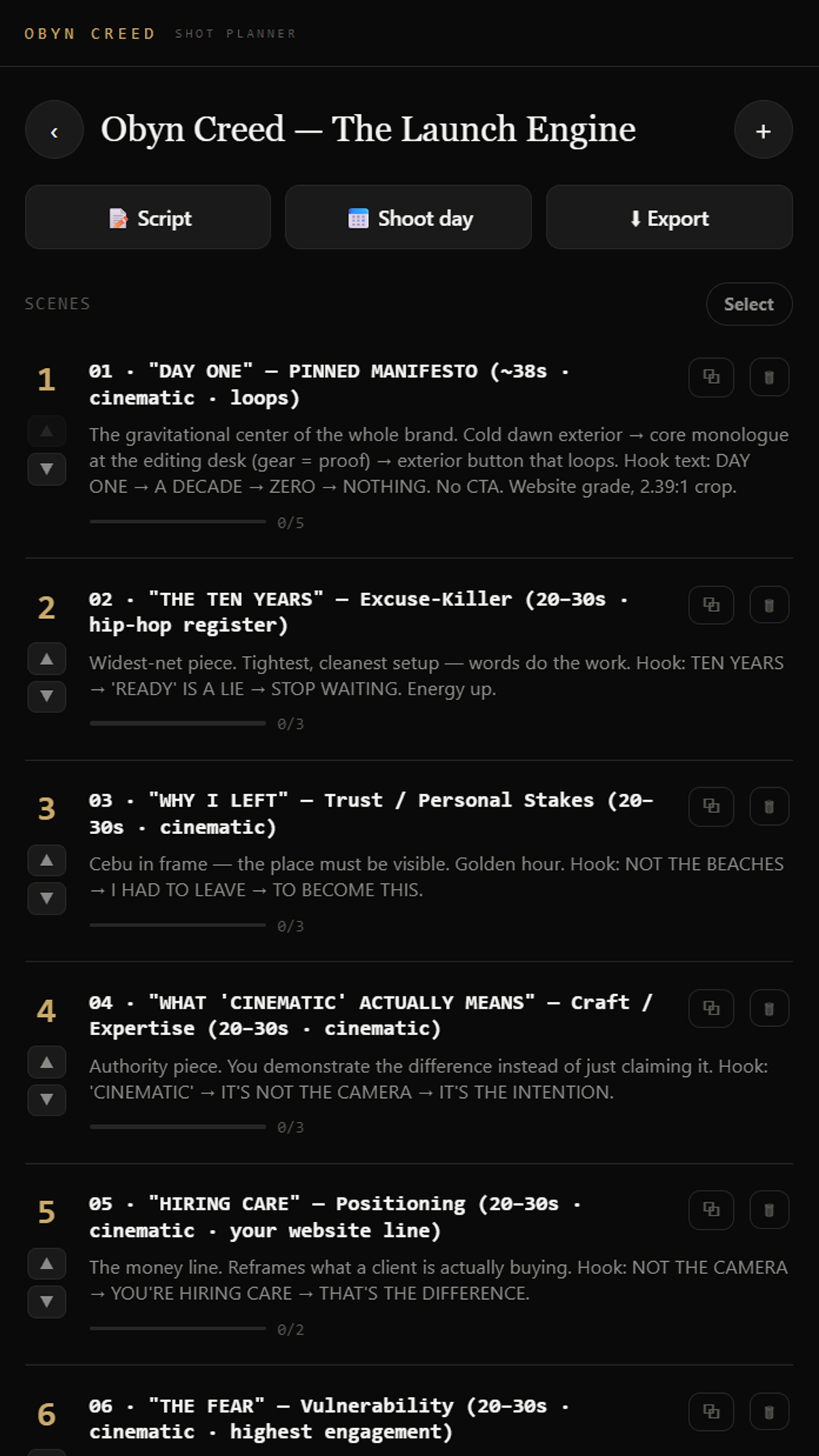
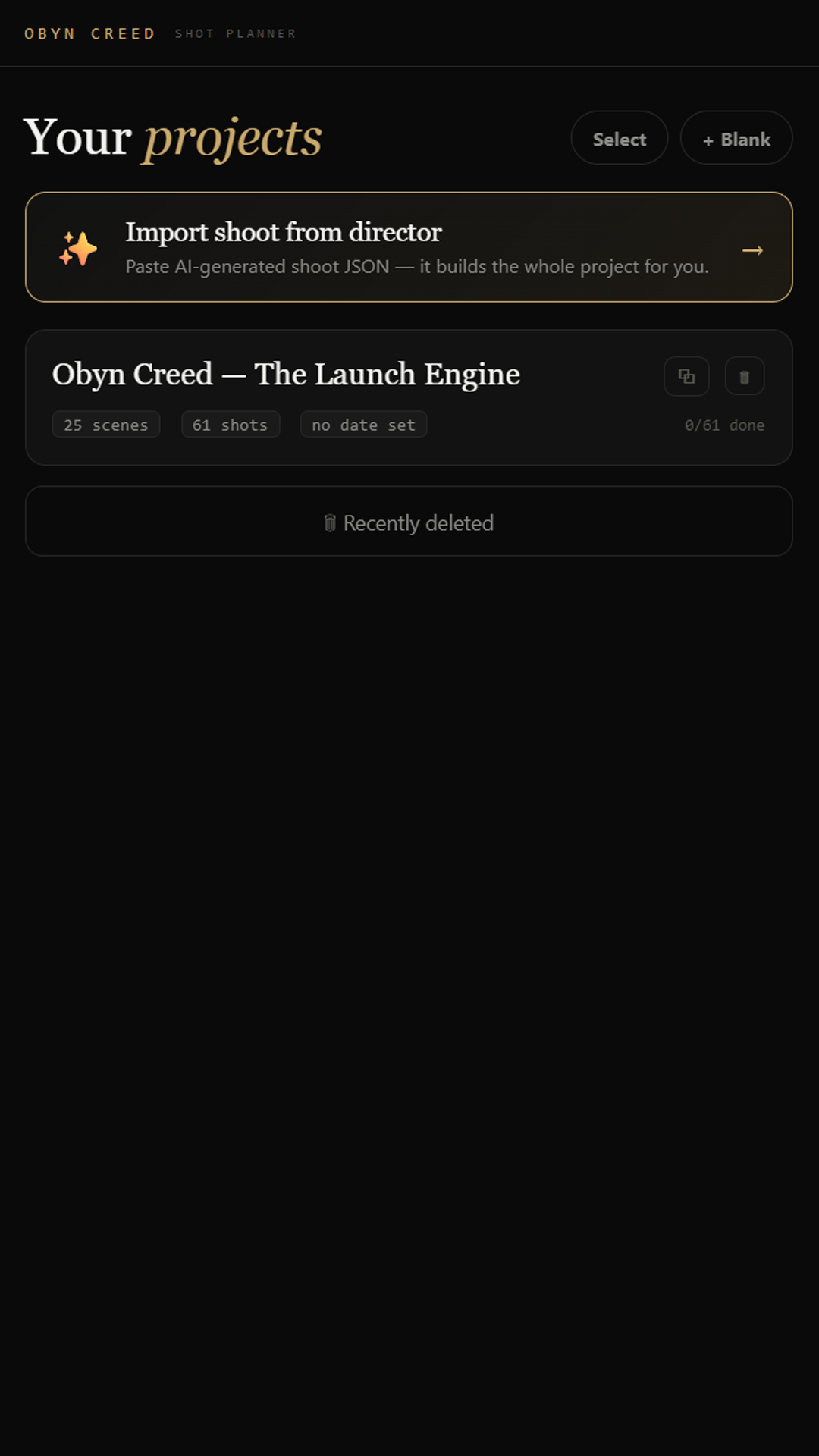
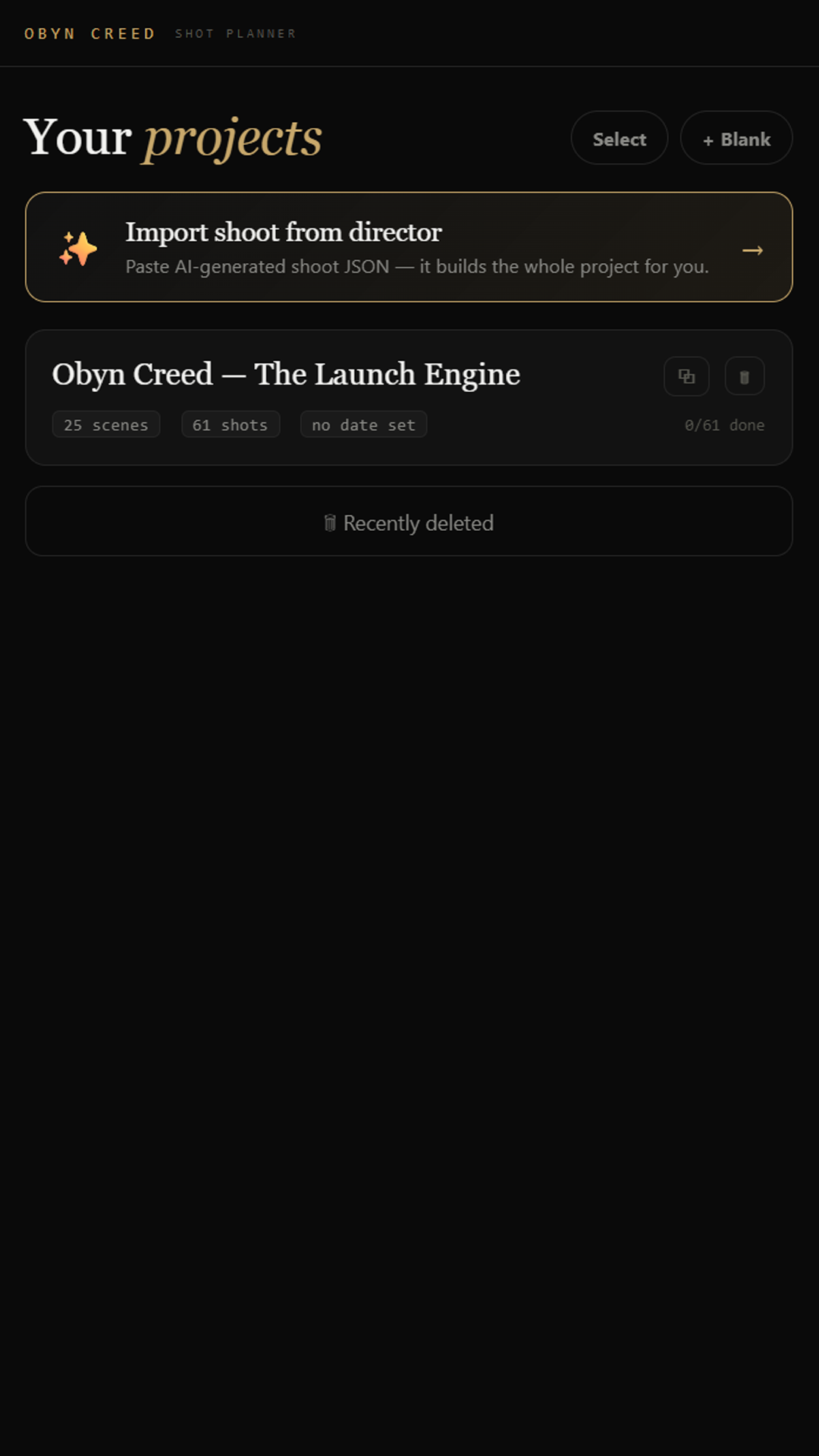
Build a project by hand, or let AI import the whole thing for you — scenes and shots laid out in the order you'll actually shoot.
Each scene exports to CSV, to a script, or straight to a shoot day on your Google or Apple calendar — with copy-and-paste for the scenes too.
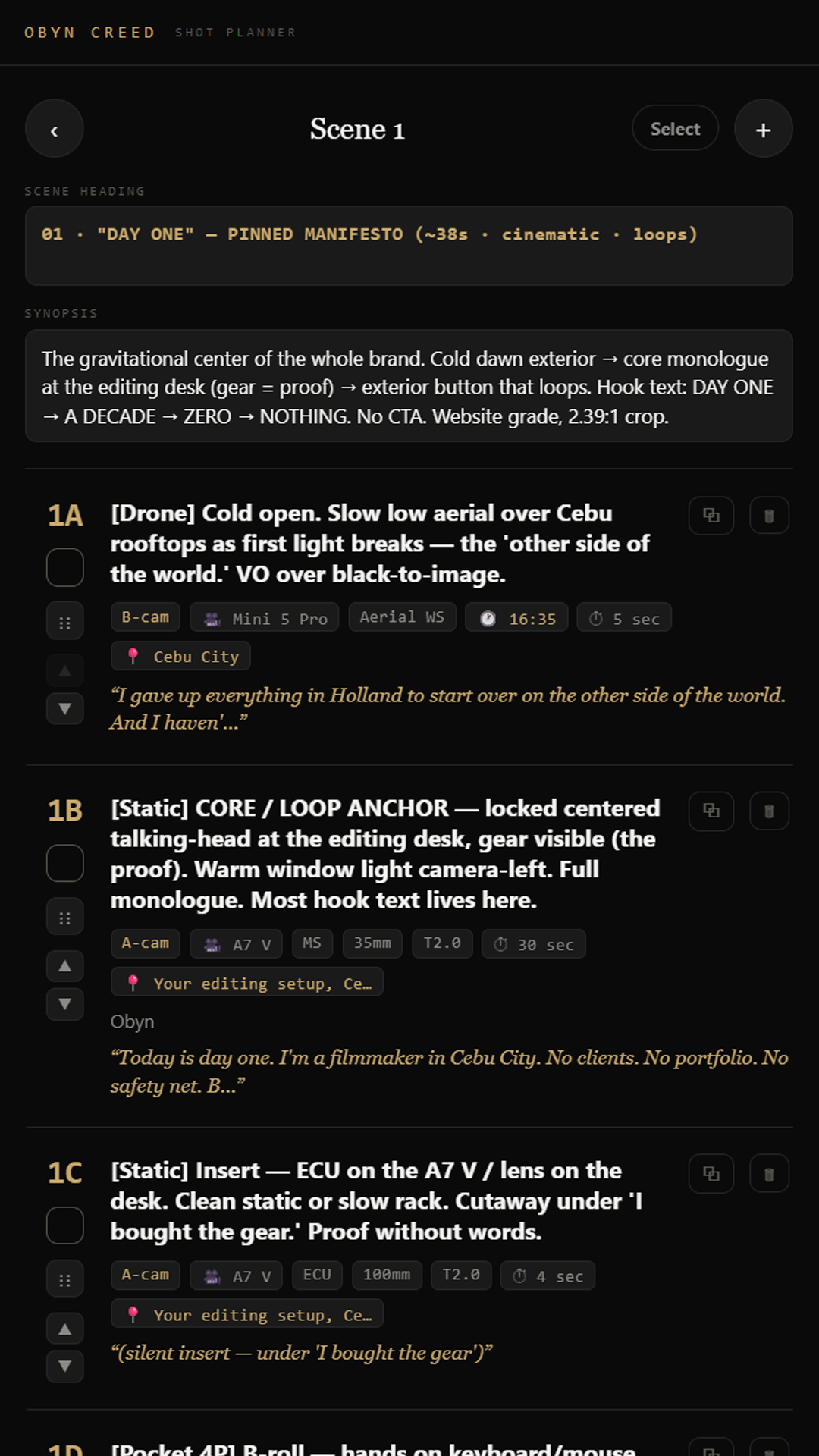
Scene heading, synopsis, and shots you can drag, copy and select in batches. One glance tells you exactly what to do and when — a quick overview of everything with time, shot type, rig, A or B cam, and the amount of actual footage you need.
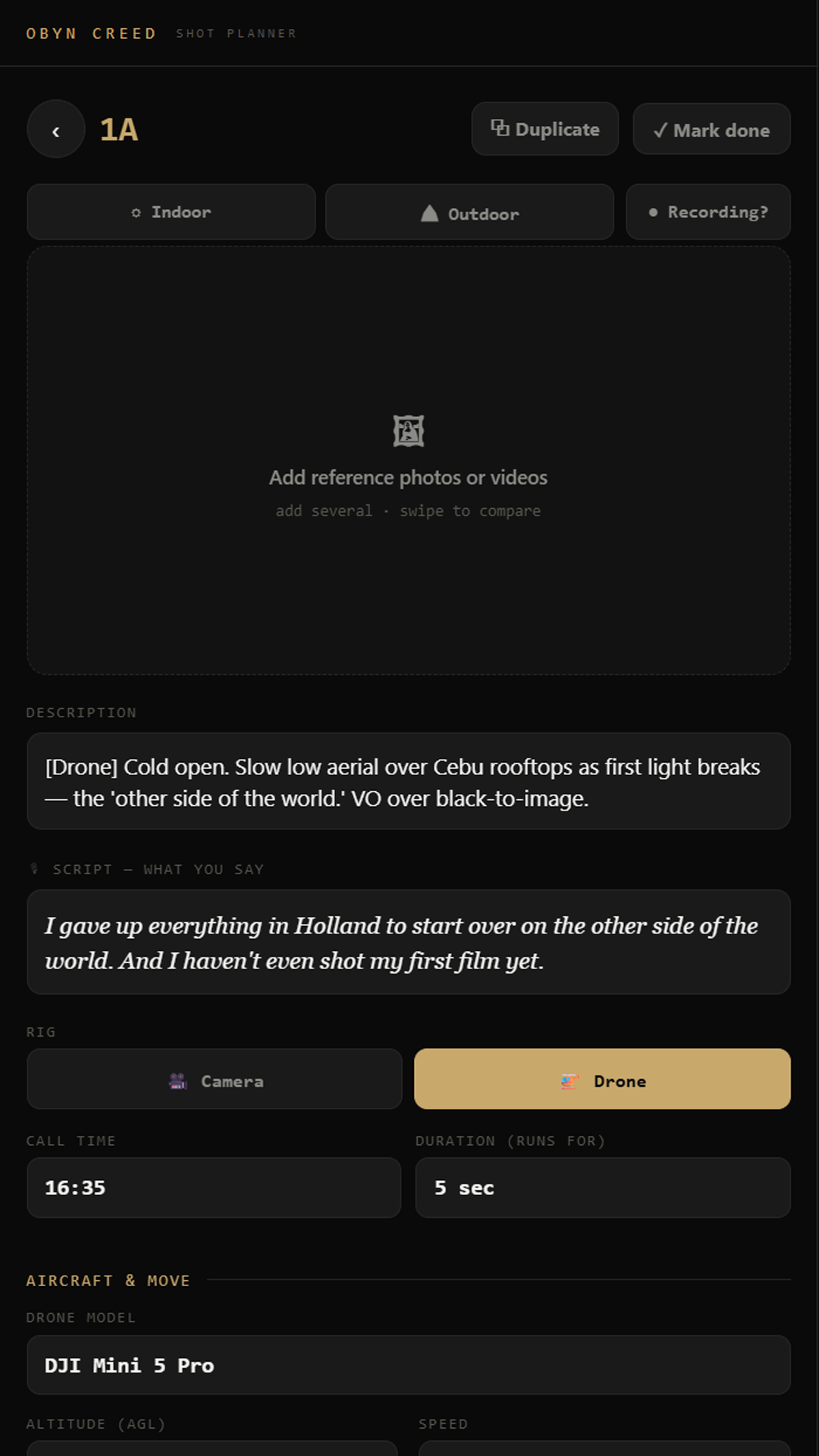
Per shot: a reference photo or video, a description, the rig, the script line, and the time it's planned for — everything in one place.
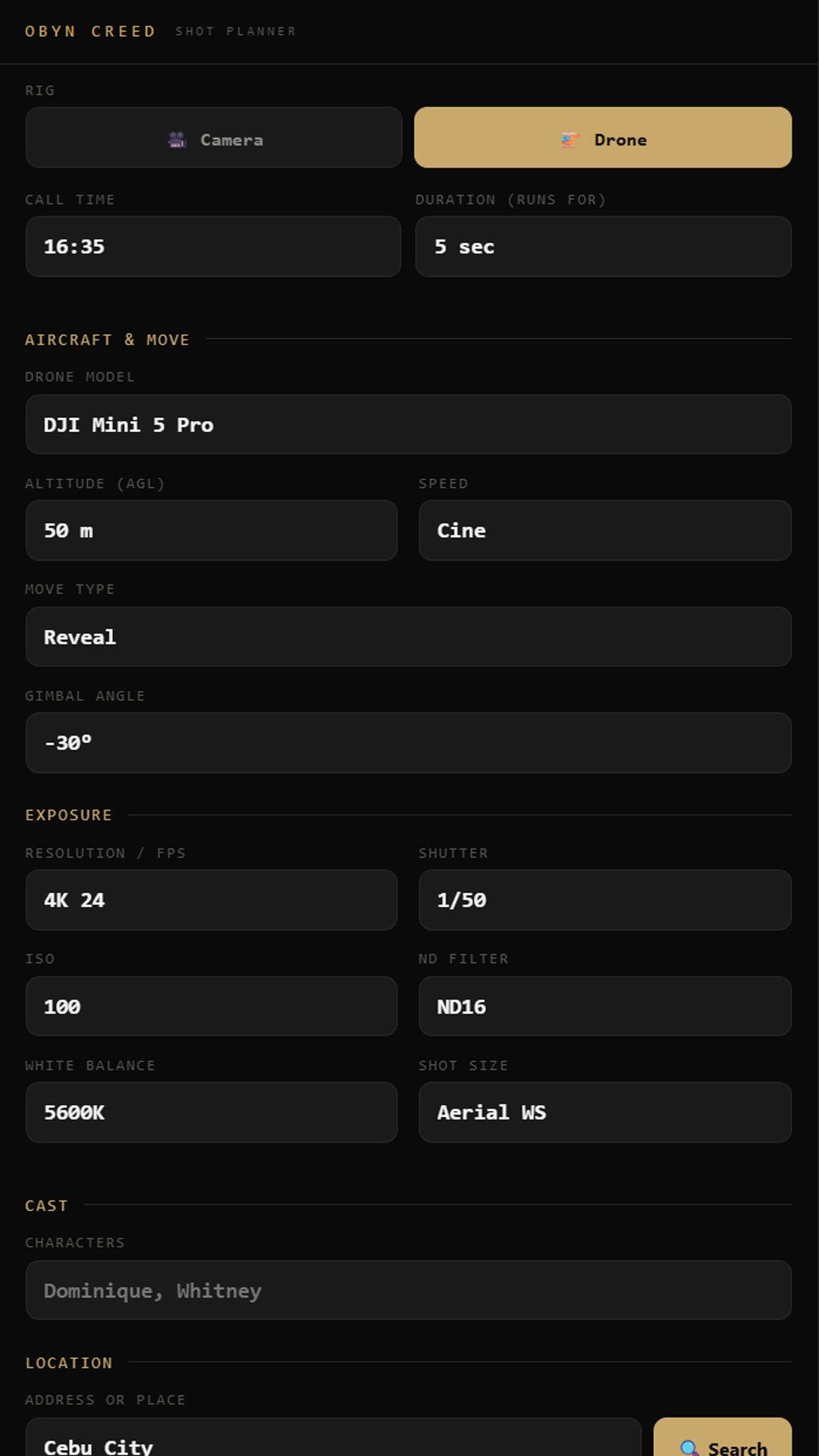
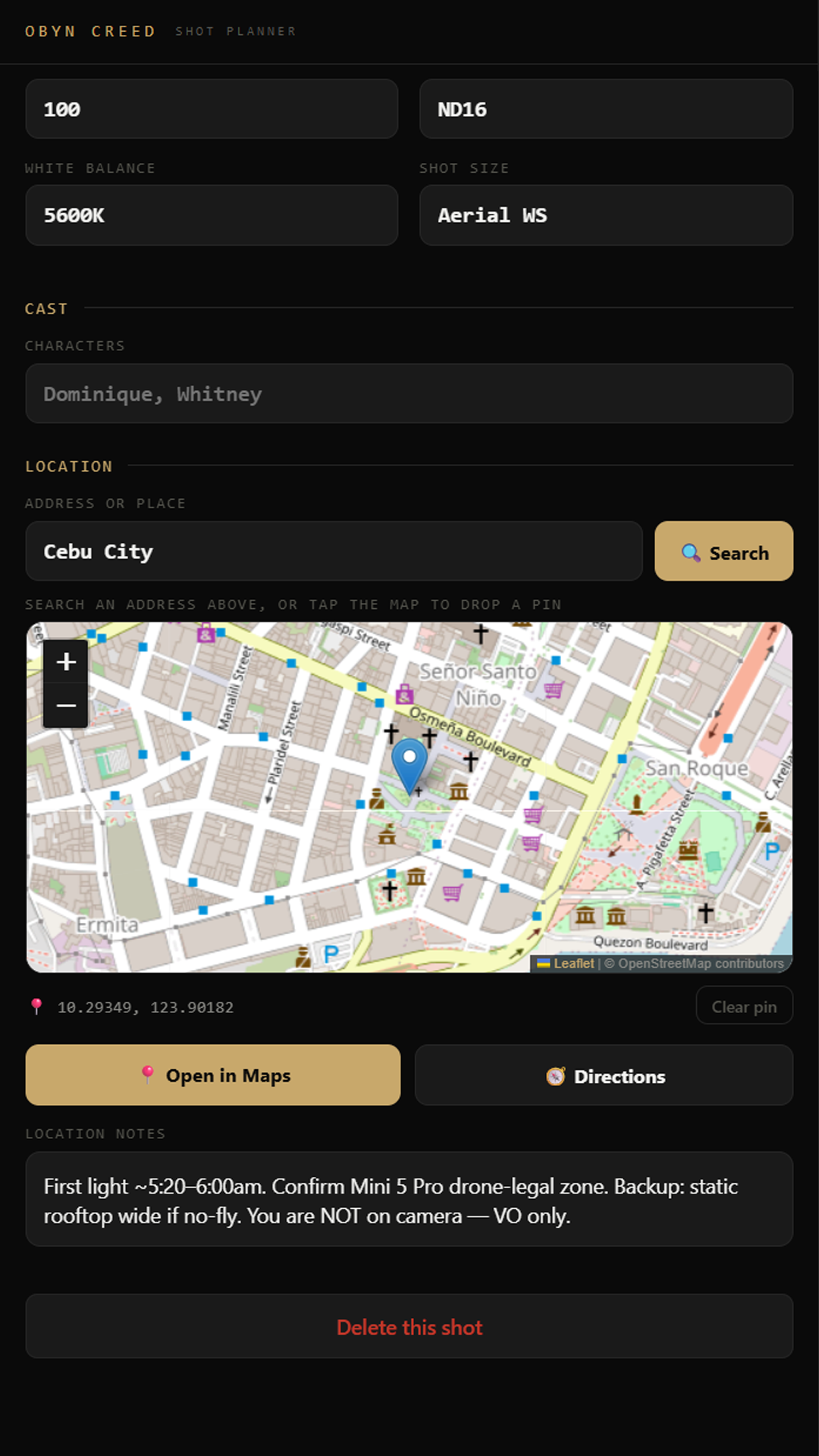
Pick camera or drone and the panel adapts: model, altitude, speed, move type, angles, resolution, shutter, ISO, ND, EV, fps, focal length, white balance and shot size — all tuned to your chosen gear and lens.
Drop pins for each location, open them in your maps app of choice for directions, and keep location notes attached to every scene.
ShotDeck doesn't make you fill in a hundred fields by hand. You describe the shoot to an AI — any of them — and it plans the whole thing: the scenes, every shot, framing and movement, lens and focal length, aperture, ISO, shutter, frame rate, the script line for each shot, drone moves, even locations and access notes.
It hands that back as a single block of JSON. You paste it into ShotDeck, tap import, and the entire production builds itself — structured, ordered, ready to shoot.
Everything an AI needs to plan a shoot that imports straight into the app. Copy it, paste it, describe your shoot.
Works with any current AI assistant. The brief tells it the rules, the exact JSON shape, and how every field maps into ShotDeck — so the result imports without fiddling.
The shot-planning app I built for myself and now can't shoot without — scenes, shots, gear, exact camera settings, map pins and a shoot-day export. Designed and coded from scratch as part of the experiment. Working now, opening up to others soon.
Everything I'm learning about story, light, motion, gear and colour as I build this thing — written down as I go, not handed down from on high. The wins and the screw-ups, with real frames from the actual climb. Drops when it's honest and done.
The looks I'm developing as I shoot — warm tones, deep blacks, muted skin — refined in public, frame by frame. A grading starting point built on my Sony profiles, that you can pull into your own footage. Sharing them the moment they're good enough to put my name on.
Drop your email and you're in. I'll let you know the moment the e-book and LUT pack are ready — and you'll catch the messy, honest progress in between.
No fake expert energy, no spam. Just someone building in the open.
Built in the open. Unsubscribe anytime.